bliss records which pages are being used for statistical analytics purposes and to improve the product. None of this data identifies you
individually. Opt-out of this analysis. If you continue to use
the site without pressing the button, we'll assume you're happy to allow the analysis.
Fixes exhausted!
bliss will automatically update your music collection a
limited number of times. Each update is called a 'fix'. When
you run out of fixes, you need to install some more to
complete all the outstanding fixes required.
You can purchase more fixes at our website, or right
here within bliss.
The fixes you have purchased work forever; but only on versions of the software released up to a year after purchase.
You can purchase a renewal simply by providing your email address and
credit card details. The charge is processed using Stripe
.
How payment works
When you click Buy fixes your credit card details are submitted directly to Stripe ,
which replies with an encrypted "token" from which the credit card details cannot be
deciphered.
This token is then passed to bliss's servers,
which makes the charge against your card. The server then replies with a licence code
and bliss installs the code itself.
This means your credit card details never hit our servers, in case
you were wondering. They are only sent to Stripe, over an SSL connection for security.
The fixes you have purchased work forever; but only on versions of the software released up to a year after purchase.
To renew your licence for another year via Paypal,
follow these steps:
1. Renew the licence via our online store
You can renew your licence by clicking one of the buttons
below. This will take you through to Paypal to provide either
your Paypal account details, your credit card details, or some
other payment method.
Renew licence for one year €12
Once you have completed the purchase, you will receive a
licence code within a few minutes which you need for the next
step.
2. Install your code
You will have received a licence code in your email inbox after you completed your
purchase. Paste it into the box below and click Install.
You can purchase a renewal simply by providing your email address and
credit card details. The charge is processed using Stripe
.
How payment works
When you click Buy fixes your credit card details are submitted directly to Stripe ,
which replies with an encrypted "token" from which the credit card details cannot be
deciphered.
This token is then passed to bliss's servers,
which makes the charge against your card. The server then replies with a licence code
and bliss installs the code itself.
This means your credit card details never hit our servers, in case
you were wondering. They are only sent to Stripe, over an SSL connection for security.
To install more fixes by purchasing them using Paypal,
follow these steps:
1. Buy some new fixes from our online store
You can purchase new fixes by clicking one of the buttons
below. This will take you through to Paypal to provide either
your Paypal account details, your credit card details, or some
other payment method.
250 extra fixes €14
2500 extra fixes €39
unlimited fixes €69
Once you have completed the purchase, you will receive a
licence code within a few minutes which you need for the next
step.
2. Install your code
You will have received a licence code when you completed your
purchase. Paste it into the box below and click Install.
This album has been set to ignore some of the default rules. Rules are defined for your entire library on the settings page, but individual albums can be opted out of individual rules.
Raw tags written in monospace font represent the raw field name inside the music file. Abstract tag names written in sans serif font write to the commonly accepted (de facto) fields for said data (for example, Album Artist will write to TPE2 in ID3 tags).
The Compliance panel shows the current assessment bliss has made for this album, given the rules that apply to it.
An album is compliant if it obeys the rules defined in the settings page.
In addition, aspects of compliance can be ignored. This can be useful for rules that you know can never be obeyed
for this album, or simply a special case.
File paths
CompliantFolder and file structure
Files in A Rush Of Blood To The Head obey the target path structure <album artist>/<album name>/<discnumber>?|Disc <discnumber>/|<discnumber>?|<discnumber:nn>.|<tracknumber:nn> <track name>.
Ignore Rule ignored - this rule will not be assessed for this album on the next re-assessment.
Tag types
CompliantID3v2 tags
Tag type: files are FLAC not MP3s
Ignore Rule ignored - this rule will not be assessed for this album on the next re-assessment.
Tags
CompliantFind missing information
GENRE is present
Ignore Rule ignored - this rule will not be assessed for this album on the next re-assessment.
Tags
CompliantFind missing information
DISC_NUMBER is accurate
Ignore Rule ignored - this rule will not be assessed for this album on the next re-assessment.
Tags
CompliantFind missing information
YEAR is accurate
Ignore Rule ignored - this rule will not be assessed for this album on the next re-assessment.
Tags
CompliantFind missing information
TRACK_NUMBER is accurate
Ignore Rule ignored - this rule will not be assessed for this album on the next re-assessment.
Tags
CompliantFind missing information
TRACK_NAME is accurate
Ignore Rule ignored - this rule will not be assessed for this album on the next re-assessment.
Tags
CompliantCheck tag accuracy
ALBUM_ARTIST is accurate
Ignore Rule ignored - this rule will not be assessed for this album on the next re-assessment.
Tags
CompliantCheck tag accuracy
ALBUM_NAME is accurate
Ignore Rule ignored - this rule will not be assessed for this album on the next re-assessment.
Tags
CompliantCheck tag accuracy
COMPILATION is accurate
Ignore Rule ignored - this rule will not be assessed for this album on the next re-assessment.
Tags
CompliantTrack number padding
Correct track number format
Ignore Rule ignored - this rule will not be assessed for this album on the next re-assessment.
Tags
CompliantGenre consolidation
Genres are allowed
Ignore Rule ignored - this rule will not be assessed for this album on the next re-assessment.
Tags
CompliantTrimmed of whitespace
Regex matches
Ignore Rule ignored - this rule will not be assessed for this album on the next re-assessment.
Tags
CompliantTrimmed of whitespace
Regex matches
Ignore Rule ignored - this rule will not be assessed for this album on the next re-assessment.
Tags
CompliantTrimmed of whitespace
Regex matches
Ignore Rule ignored - this rule will not be assessed for this album on the next re-assessment.
Tags
CompliantTrimmed of whitespace
Regex matches
Ignore Rule ignored - this rule will not be assessed for this album on the next re-assessment.
Tags
CompliantTrimmed of whitespace
Artist isn't trimmed of whitespace
Ignore Rule ignored - this rule will not be assessed for this album on the next re-assessment.
Tags
CompliantTrimmed of whitespace
Regex matches
Ignore Rule ignored - this rule will not be assessed for this album on the next re-assessment.
Tags
CompliantTrimmed of whitespace
Track name isn't trimmed of whitespace
Ignore Rule ignored - this rule will not be assessed for this album on the next re-assessment.
Tags
CompliantTrimmed of whitespace
Track number isn't trimmed of whitespace
Ignore Rule ignored - this rule will not be assessed for this album on the next re-assessment.
Tags
CompliantEnforce capitalisation
Artist isn't title case
Ignore Rule ignored - this rule will not be assessed for this album on the next re-assessment.
Tags
CompliantEnforce capitalisation
Regex matches
Ignore Rule ignored - this rule will not be assessed for this album on the next re-assessment.
Tags
CompliantEnforce capitalisation
Track name isn't title case
Ignore Rule ignored - this rule will not be assessed for this album on the next re-assessment.
Tags
CompliantEnforce capitalisation
Regex matches
Ignore Rule ignored - this rule will not be assessed for this album on the next re-assessment.
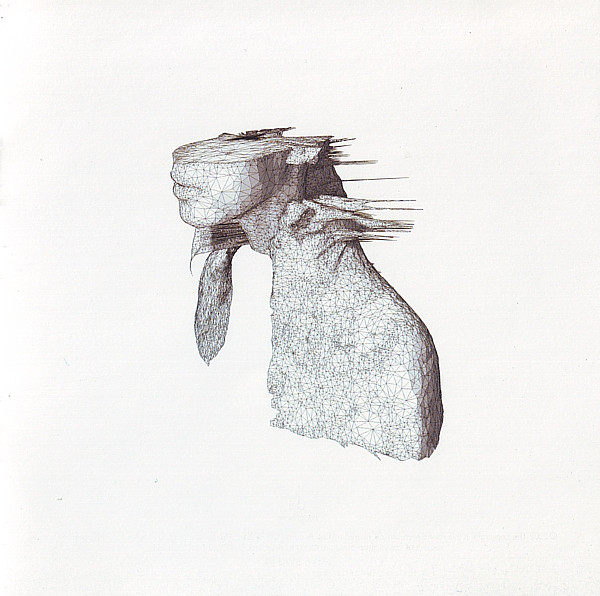
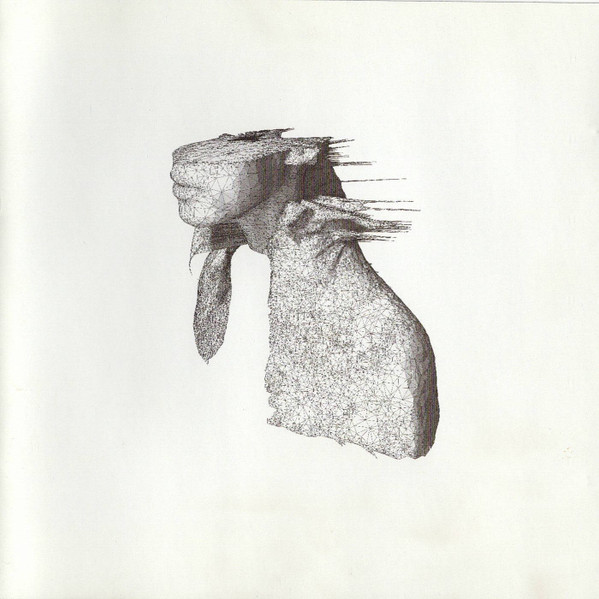
Cover art
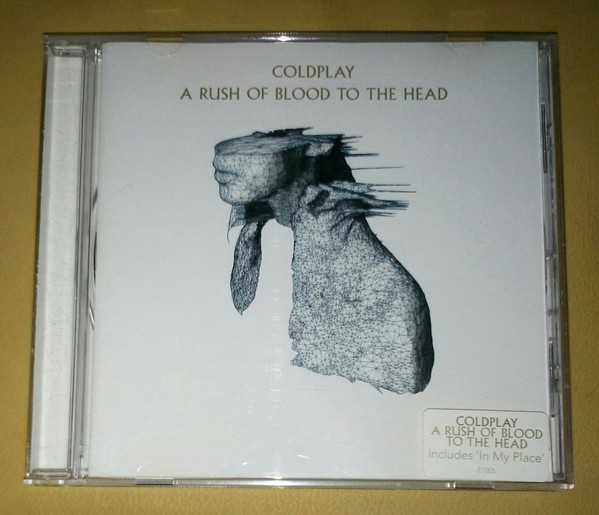
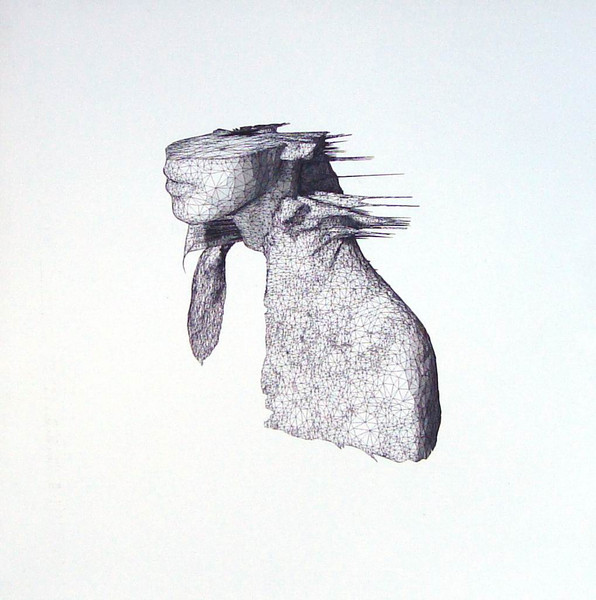
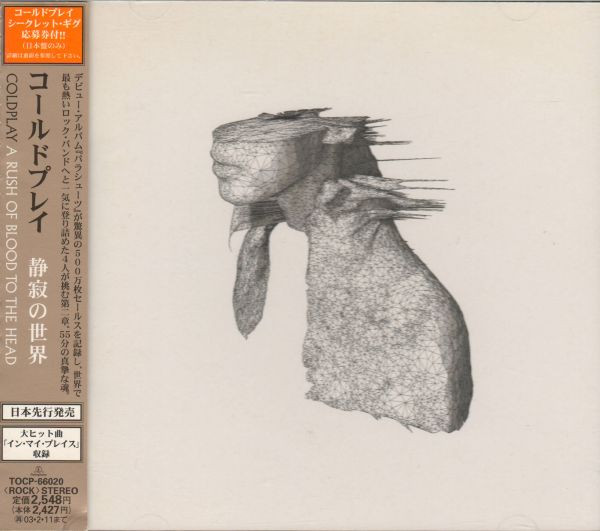
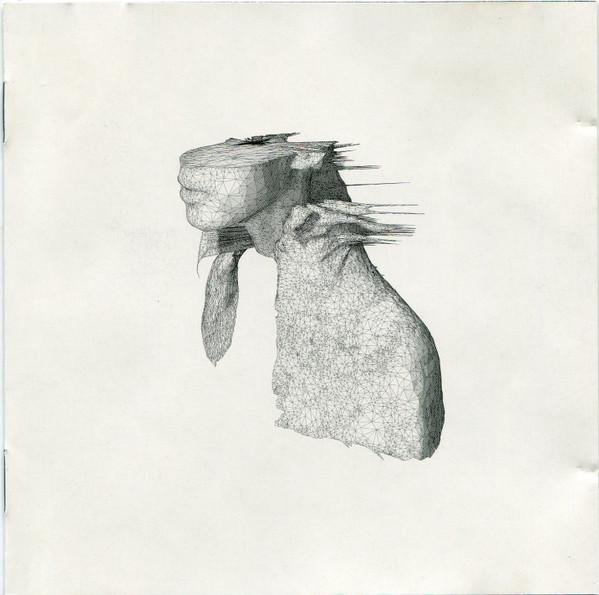
CompliantFind missing cover art
Art is installed
Ignore Rule ignored - this rule will not be assessed for this album on the next re-assessment.
Cover art
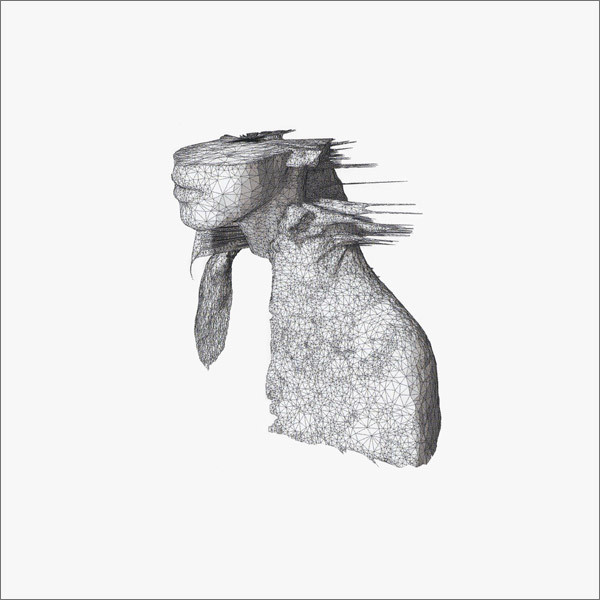
CompliantMinimum resolution
Art is 600 x 597 but should be no smaller than 500 x 500
Ignore Rule ignored - this rule will not be assessed for this album on the next re-assessment.
Album integrity
CompliantFind track duplicates within albums
There are no track duplicates in this album.
Ignore Rule ignored - this rule will not be assessed for this album on the next re-assessment.
History
The History panel shows recent activity for this album. Typically this
includes assessments, which may end in a conclusion of compliant
or non-compliant, or details of changes made to an album.
An album is compliant if it obeys the rules defined in the
settings page.
Work in progress We're trying hard to
ensure we communicate as much as possible about the work done on albums.
Let us know what you think!
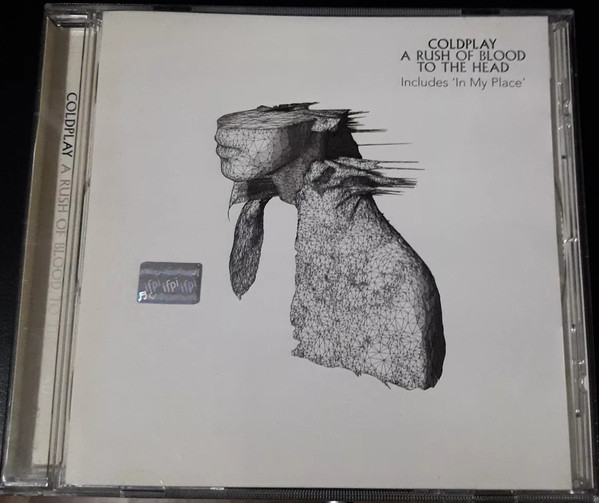
Assessing file locations for A Rush Of Blood To The Head by Coldplay
File paths are compliant
GENRE is present.
DISC_NUMBER is present.
YEAR is accurate.
TRACK_NUMBER is accurate.
TRACK_NAME is accurate.
ALBUM_ARTIST is accurate.
ALBUM_NAME is accurate.
COMPILATION is accurate.
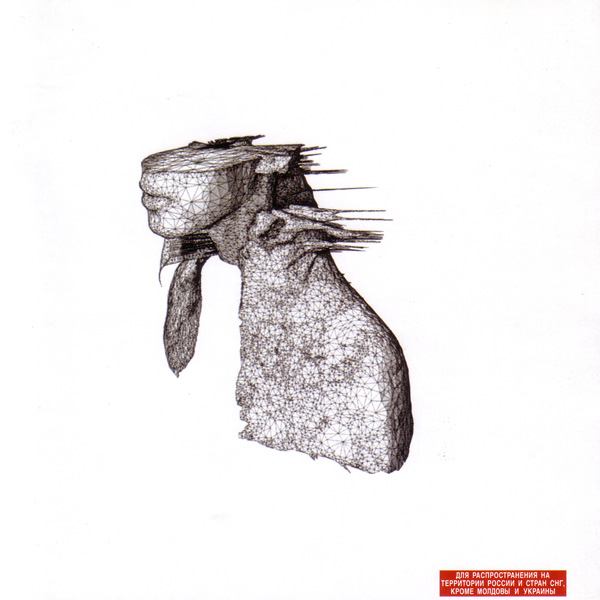
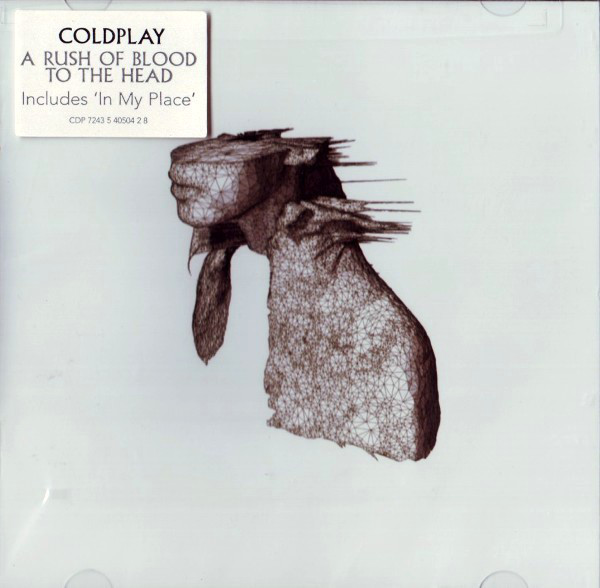
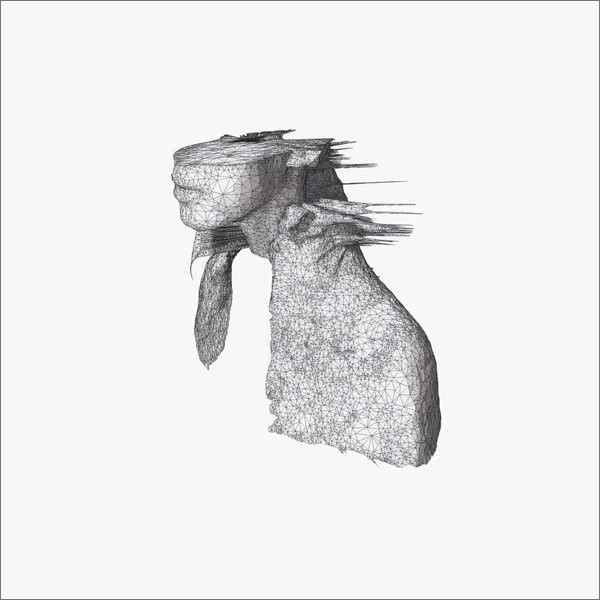
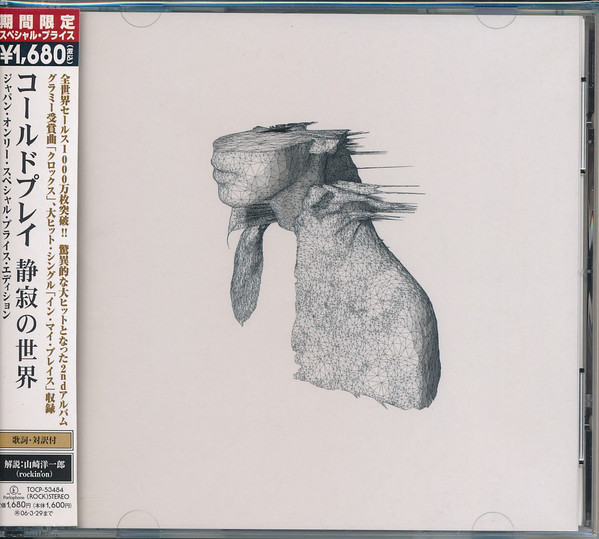
Embedded art exists.
Image file exists.
Art is larger than the minimum resolution.
Linked releases
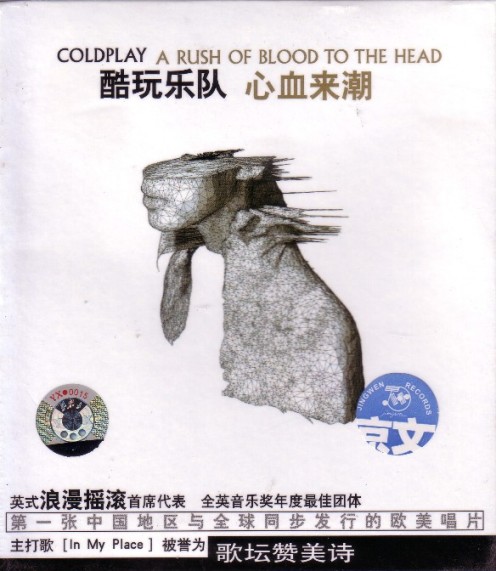
The Linked releases panel lists the releases bliss has matched this album to
in online databases. These
releases are the ones bliss uses to populate cover art and metadata.
You'll typically notice many releases for the same album. That's because any
album often has multiple "releases", in different countries, across different
years, on different formats and more. Metadata can change from release to release, for
example the cover art can often be different country-to-country.
Releases are either linked or unlinked. Linked releases are used to contribute
information and cover art that are used by bliss's rules. Unlinked releases are not used for
this purpose. Unlinked releases appear "greyed out".
Releases are linked by default when the album is first queried - all releases with a
certainty above 85.0%
are linked. Subsequently, you can link/unlink releases manually. These are explicit
linked releases.
Note Currently the list is populated
after bliss has had to make its first query. If bliss hasn't had to do this, the
list will be empty.